One app for the work, records and rhythms of owning a boat.
BoatWorks Pro connects the parts of vessel ownership that generic task managers, spreadsheets and paper logbooks keep apart.
Know what is due
Service schedules, minimum stock, expiring provisions and dashboard status bring the next action forward.
Work with context
Open the machinery, part, receipt, manual or location related to the job instead of hunting through folders.
Keep the history
Preserve completed service, fuel fills, routes, notes, photos and documents as a coherent vessel record.
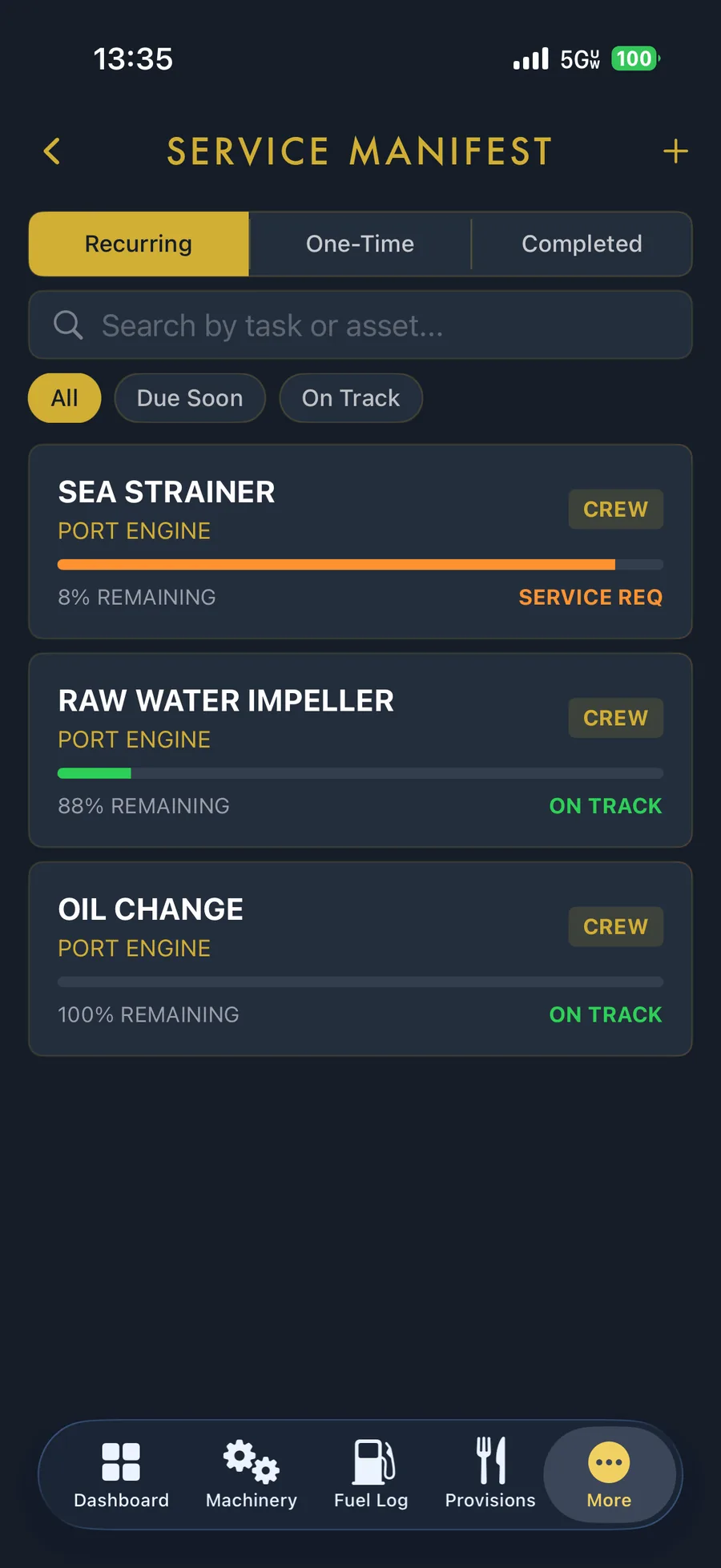
Build the schedule around the equipment aboard.
Create recurring and one-time work, attach documentation and see what needs service without flattening the boat into one generic checklist.
- Calendar and usage-based maintenance intervals.
- Separate records for engines, transmissions, generators, pumps and systems.
- Completed service history, notes, photos and attachments.
- Status that surfaces overdue and upcoming work.
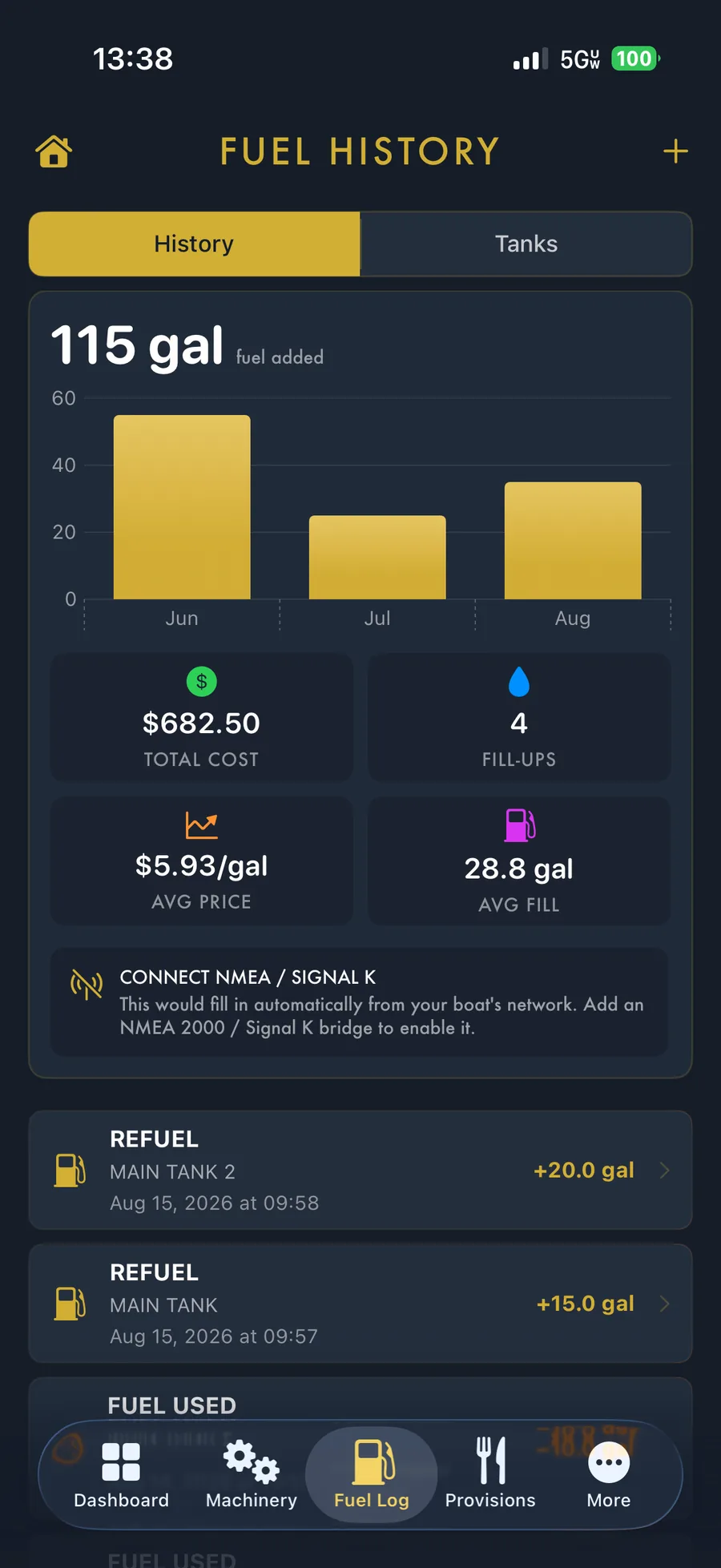
Make every gallon part of the boat’s history.
Record fill-ups, transfers, tank levels, fuel used, price and cost. BoatWorks Pro keeps fuel information with the vessel instead of leaving it across dock receipts and notes.
- Multiple fuel tanks and fill history.
- Quantity, cost and average price visibility.
- Usage records that add context to passages.
- Connected instrument data in Commodore.
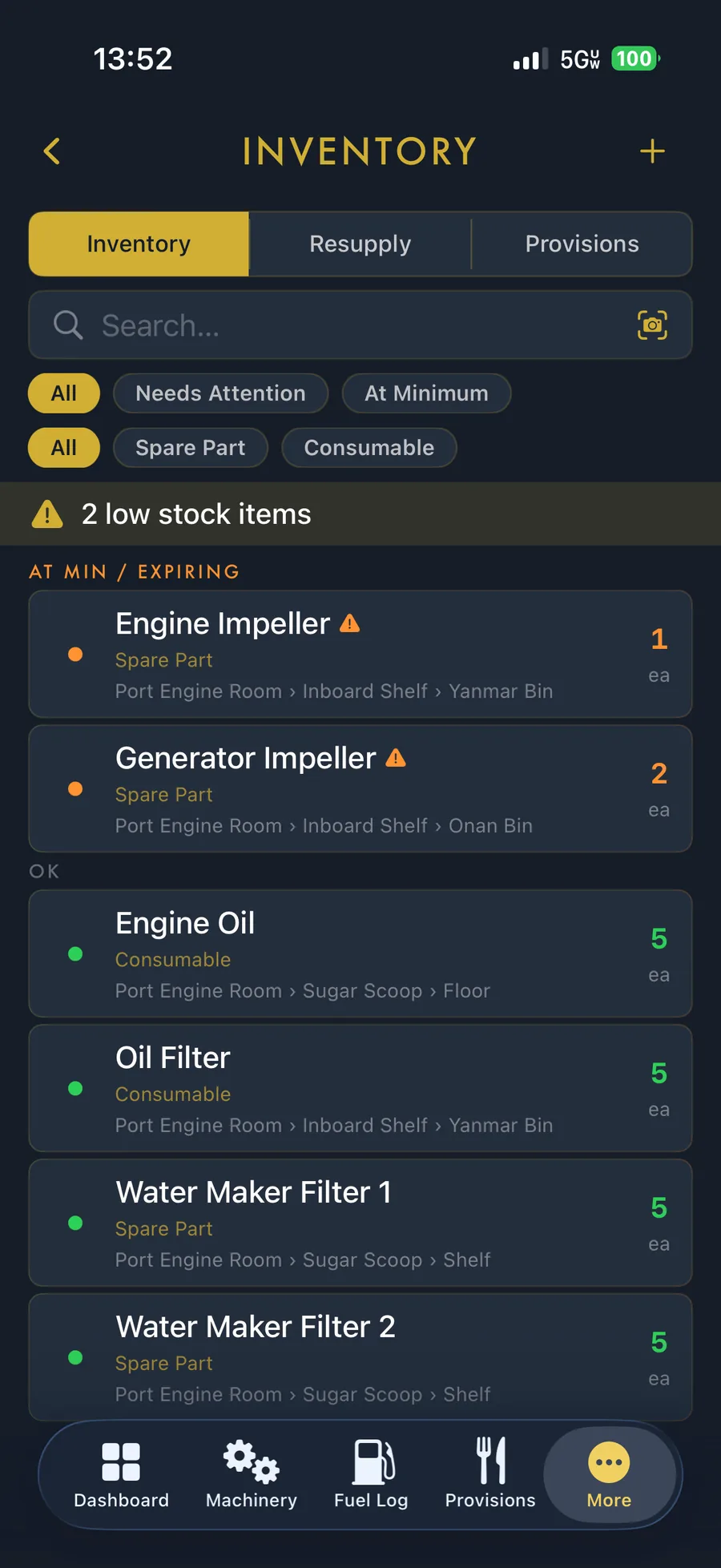
Know what is aboard and precisely where it lives.
Inventory handles parts and consumables; Provisions gives food, drinks and galley supplies their own workflow. Both are designed for the nested reality of a boat.
- Zone, location and container hierarchy.
- Quantities, minimum levels and low-stock signals.
- Barcode-assisted entry and drawdown.
- Expiry dates and storage locations for provisions.
Conditions belong beside the boat plan.
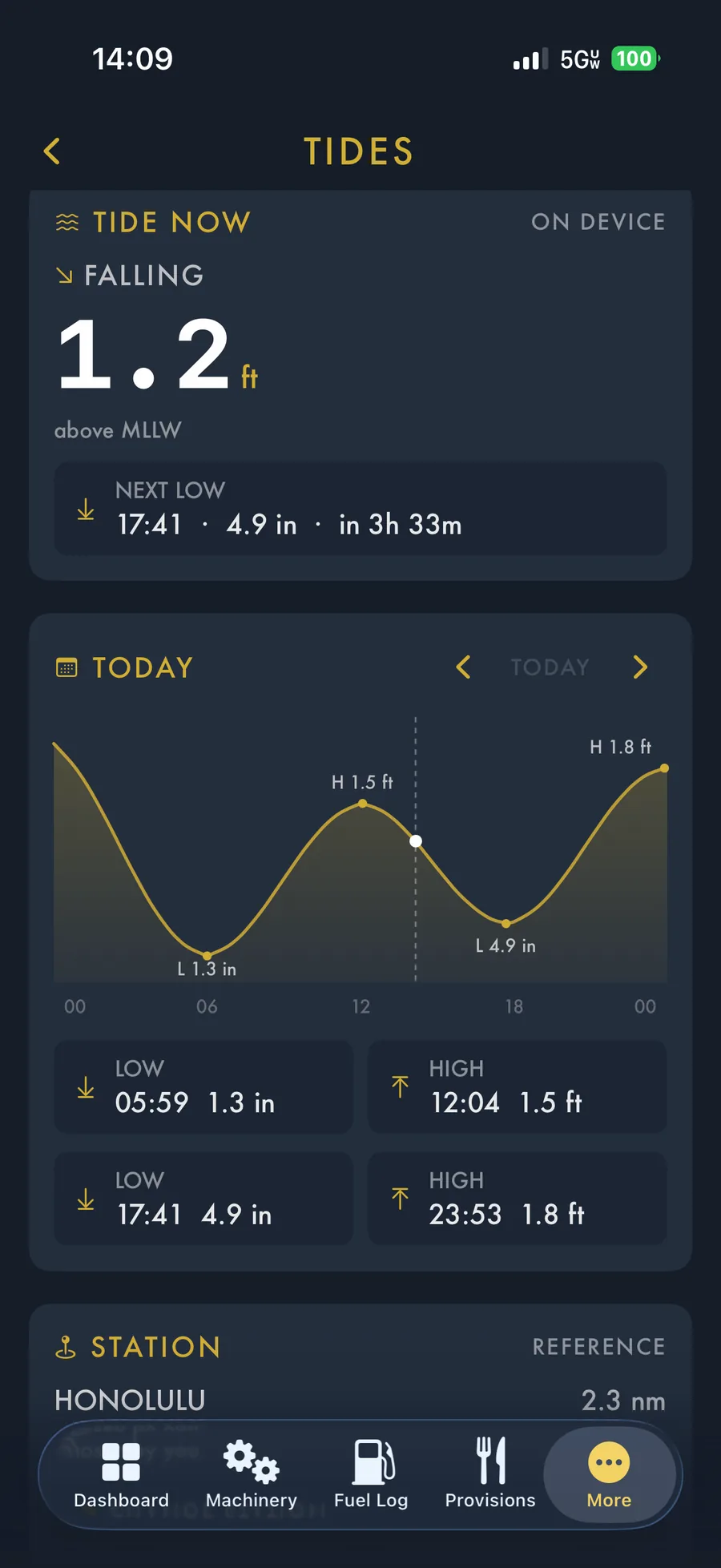
View the tide station nearest the boat, today’s highs and lows, detailed curves, forecasts and official weather alerts without rebuilding your vessel context in another app.
- Free daily tide highs and lows.
- Cruiser tide curves, day stepping and station selection.
- Marine-relevant WeatherKit forecast detail.
- National Weather Service alerts where available.
Trip Log & GPS
Manual entries, phone-GPS routes, operating states, photos and PDF exports.
Explore the logbook →Documents & privacy
No separate account, no BoatWorks database and no app-imposed document quota.
Explore private storage →Free and paid plans
See what Anchor includes and why active owners move to Cruiser.
Compare plans →